Install a Mining Survey Chipset
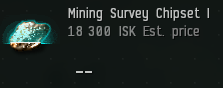
To use RockRadar, your ship must be fitted with a Mining Survey Chipset.
Open the Scan Results Window
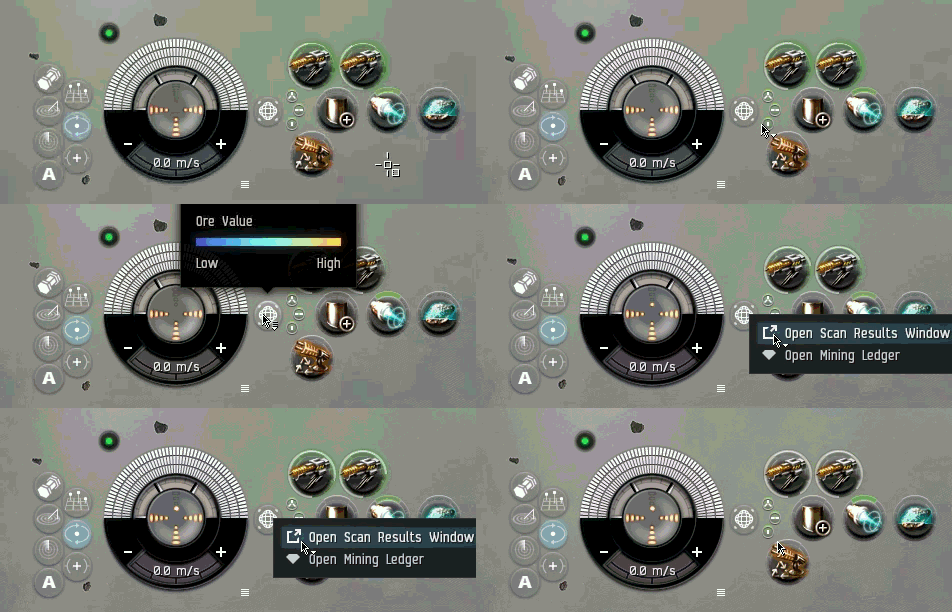
Right-click your Mining Surveyor module and choose "Open Scan Results Window".
Run a Survey Scan
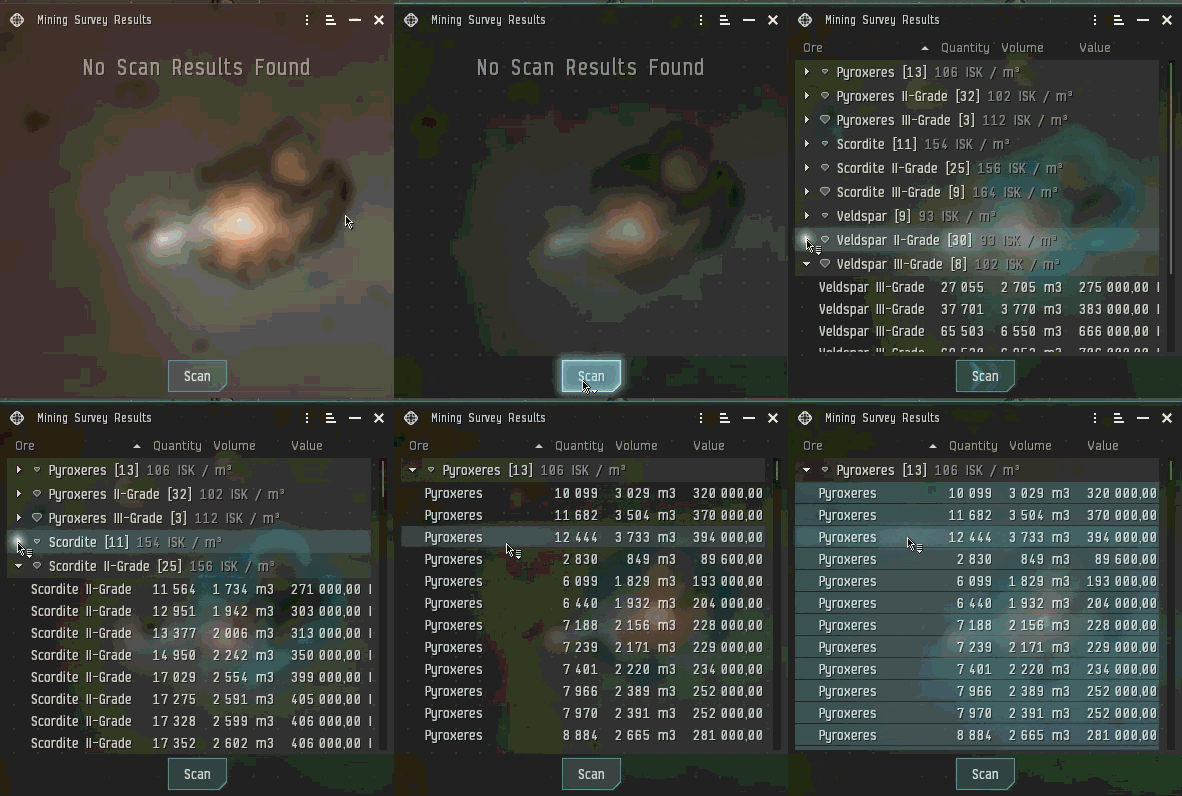
Activate the scanner by clicking "Scan" to perform a new survey of the asteroid belt.
Expand All Ore Types
Once the scan completes, make sure every ore type in the list is fully expanded so you can see the complete breakdown of each asteroid.
Copy the Full Asteroid List
Select all (Ctrl + A) scanned asteroids, then press Ctrl + C to copy the results.
Paste into RockRadar
Return to the RockRadar page and press Ctrl + V to paste your scan data.